Help your toddler build the foundations for language, reading, and math.
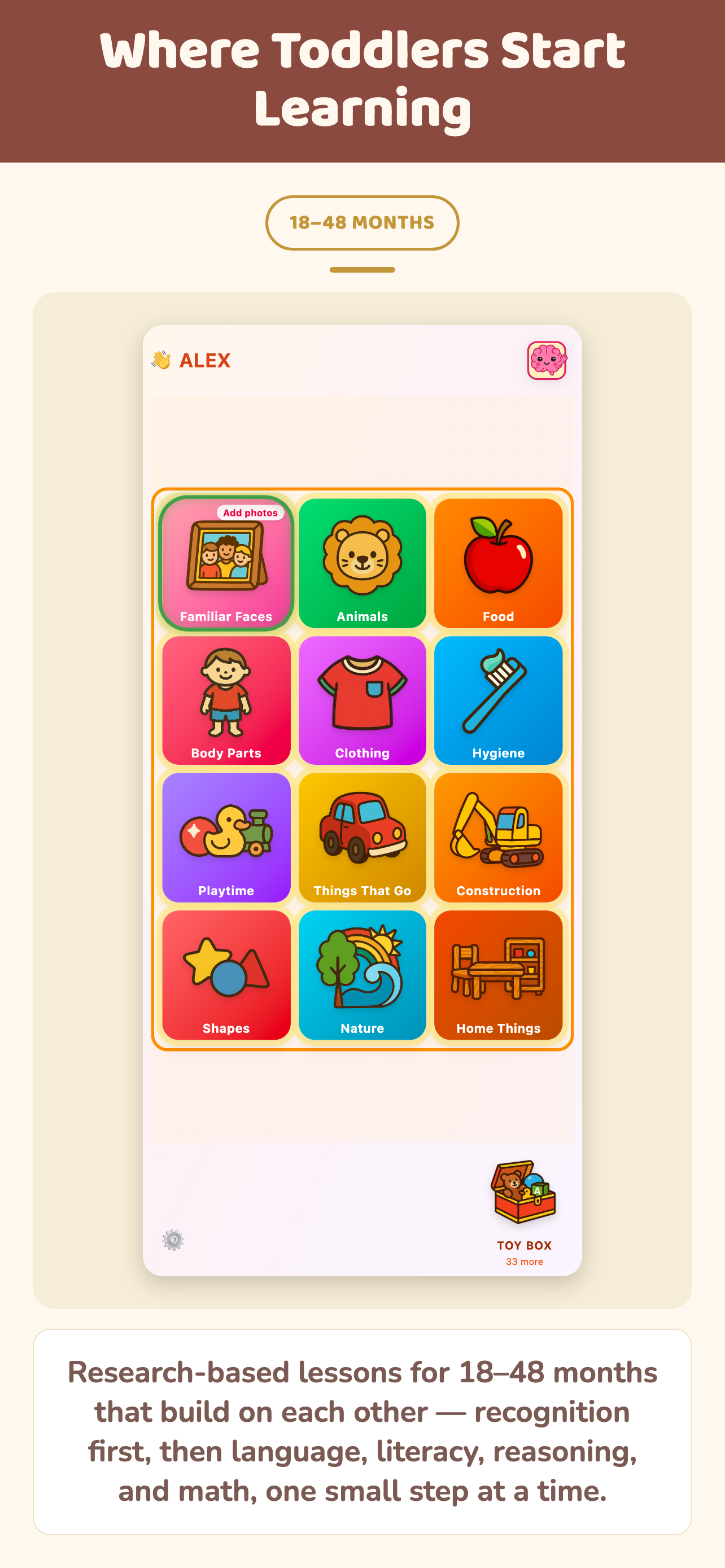
A curriculum, not a random collection of lessons. Every lesson builds on the last, because the best time to teach something is after the ideas it depends on are already in place.


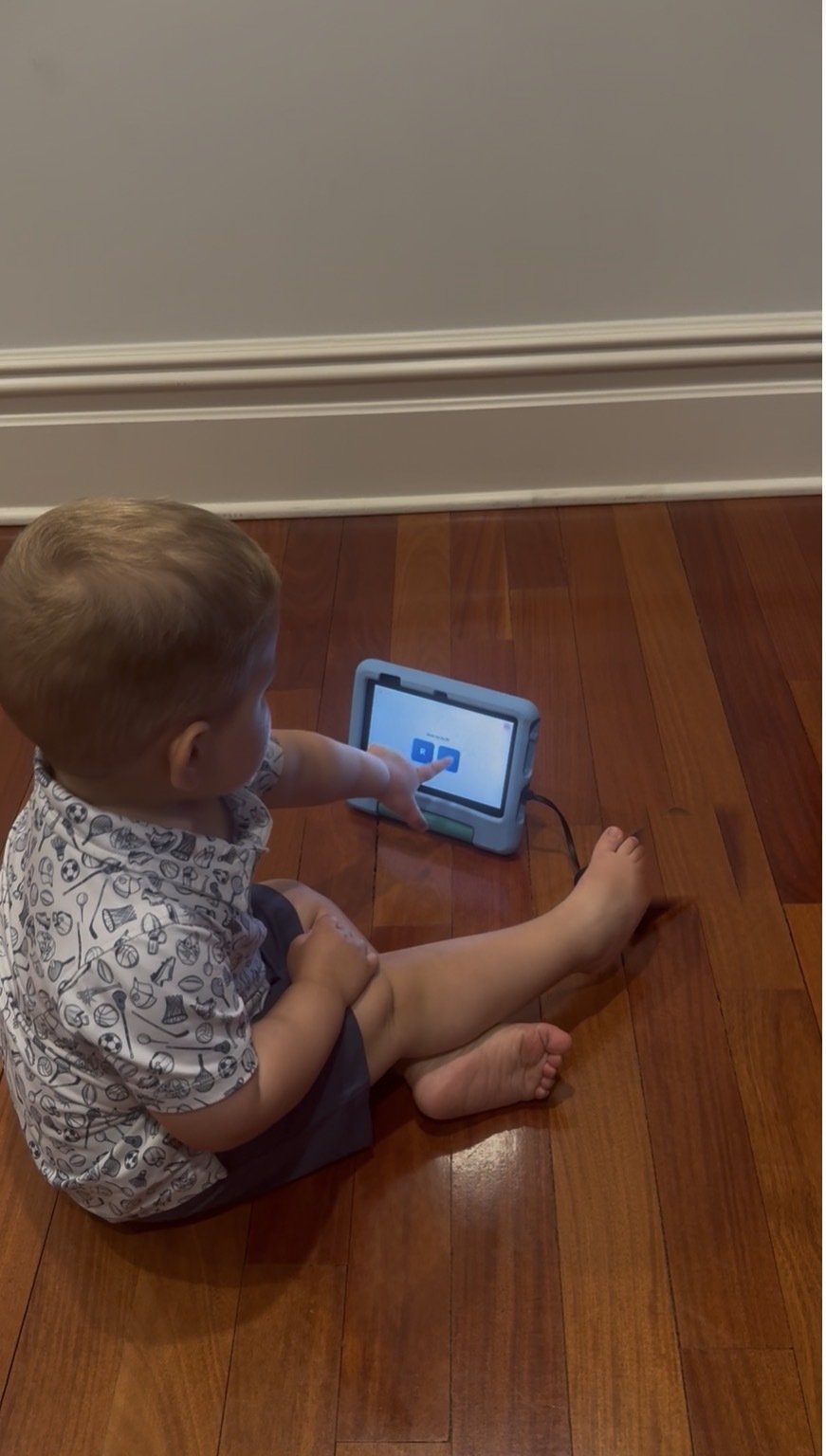
The goal isn't more screen time. It's helping your toddler build the foundations they'll use for years to come.
The goal isn't to teach more. It's to teach what comes next.
Many educational apps offer collections of activities that can be explored in any order. Training Minds was designed differently. Every lesson builds on the last, because what comes next depends on what came before. That means each new step feels achievable instead of confusing — and it means your toddler is building the foundations for language, reading, and math, not just collecting disconnected facts.
That building starts in an unexpected place: with what your toddler already knows.
Here's something most parents don't realize: a toddler who can't yet say "lion" may already know exactly what a lion is. They're not behind — they just haven't been asked in a way that shows it.
That means you're not starting from scratch. You're building on knowledge that's already there — which makes learning less frustrating for your toddler, and more encouraging for you. It also means your toddler gets to feel something simple and important: I know what to do next. That's confidence, and it's as much the point as any word or number.
Beyond language, reading, and math, lessons also build categories, sequencing, and early reasoning skills.
Learning isn't easy — but it can be more efficient.
Instead of hoping your toddler eventually figures something out after seeing it over and over, Training Minds is designed to make each learning experience count: clear examples, repetition, and immediate feedback. The result: fewer frustrated tries, and more moments where something clicks.
One example: most screens don't respond to a toddler the way the real world does. So before academic content starts, the app teaches screen literacy the same way — through recognition, repetition, response.
Screen literacy comes first.
Before a toddler can learn from a screen, they need to understand that the screen represents reality — that the dog on the screen is a dog. This gap, part of what researchers call the screen deficit, affects children under 30 months most acutely. Training Minds is the only toddler learning app that addresses it directly, before any lesson runs.
Live Mirror
The child sees themselves on screen in real time — the simplest, most direct bridge. What happens to me, happens on the screen.
Self Video
Familiar routines played back. The child sees that the screen can contain events they've actually lived — building representational confidence.
Face Detection
A red dot appears on your child's nose. Or ear. Or chin. They tap it, the voice names it, and it moves somewhere new. Simple, a little silly, and surprisingly hard to put down.
Familiar Faces
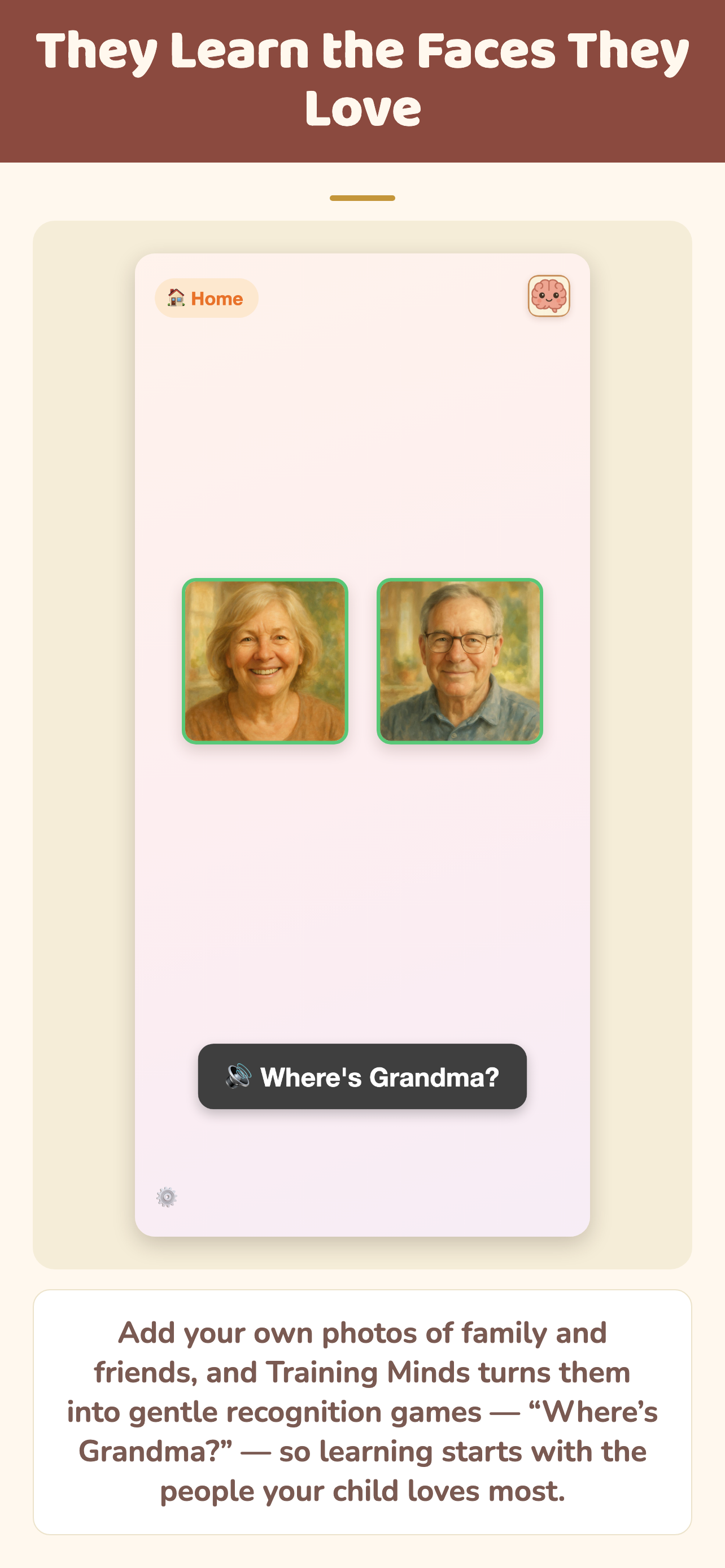
"Where's Grandma?" Recognition using the child's own family photos, stored only on the device. They never leave it.
Favorite Things
Their actual toys and objects on screen. The final bridge: if my bear can be on the screen, so can a zebra.
Seed, train, deploy.
Toddlers learn through experience. The brain is extraordinary at extracting patterns without explicit teaching. But that process takes time, repetition, and enormous amounts of noisy, unstructured signal. Clean, categorized signal gets a child there faster. This app doesn't replace the world. It cleans the signal.
Generalized exposure
Seeding happens both on and off the screen — real-world exposure matters most. Foam bath letters, resin animal figurines, picture books. The app's Seed mode delivers clean, label-only exposure for earlier lessons, meeting toddlers where they are as they learn to learn from a screen.
Contrast and labels
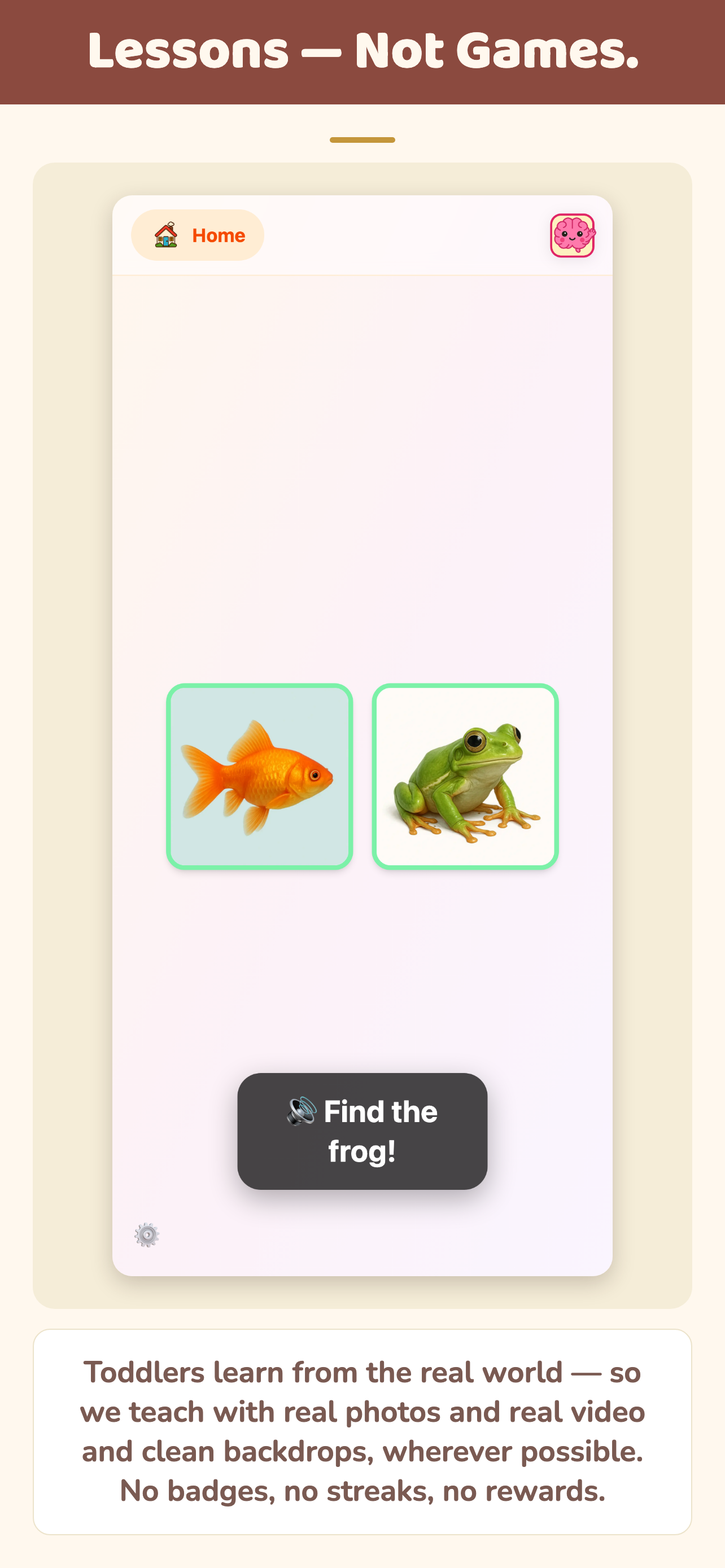
When your toddler shows interest in naming and categorizing things, contrast is one of the most effective teachers — "that's a horse, this is a zebra." The app builds those contrasts into recognition games. Not every type of learning benefits from this; we apply it selectively.
Your job in the real world
You bring the learning off the screen. Point to the zebra at the zoo. Hand them the foam letter. The app prepares the brain — you're the one who deploys it, in the park, at the grocery store, everywhere.
Built for toddlers. Controlled by parents.
Every design decision is backed by research — and every decision that was ours to make is adjustable. Because no two children are the same.
Click any tile to see it in the app →
No data, ever
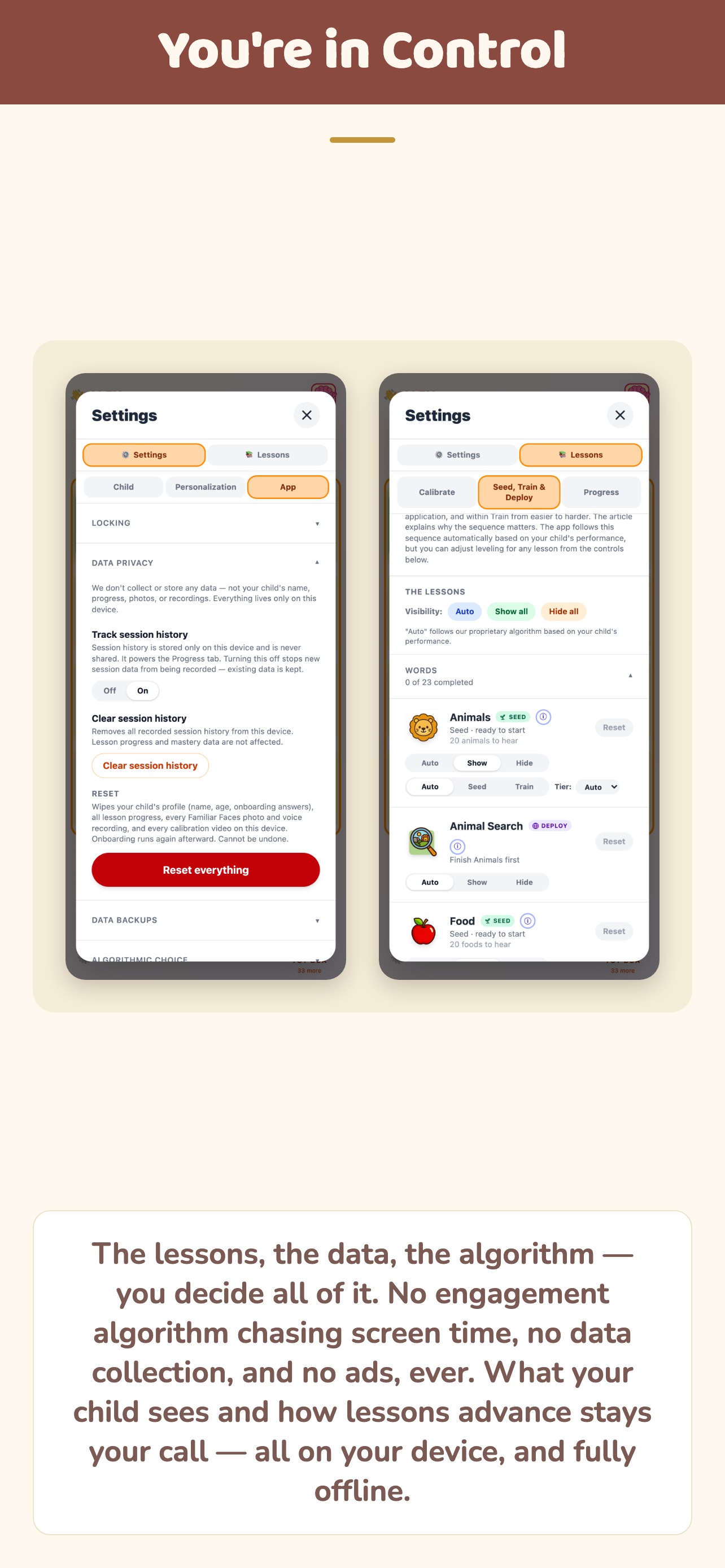
No account. No cloud sync. No analytics. Everything stays on your device — so nothing competes for your toddler's attention except the lesson in front of them. Transfer to a new device with a 6-digit code — nothing ever touches our server.
Every algorithm documented
Lesson order, mastery rules, how quickly new items rotate in — all explained in plain language inside the app. We've created defaults based on research, but none of them are locked.
Works completely offline
After the initial download, no internet connection is needed. Plane, road trip, anywhere. All 15,000+ audio clips, 2,200+ images, and 140+ videos are pre-loaded and cached locally.
Two visual styles
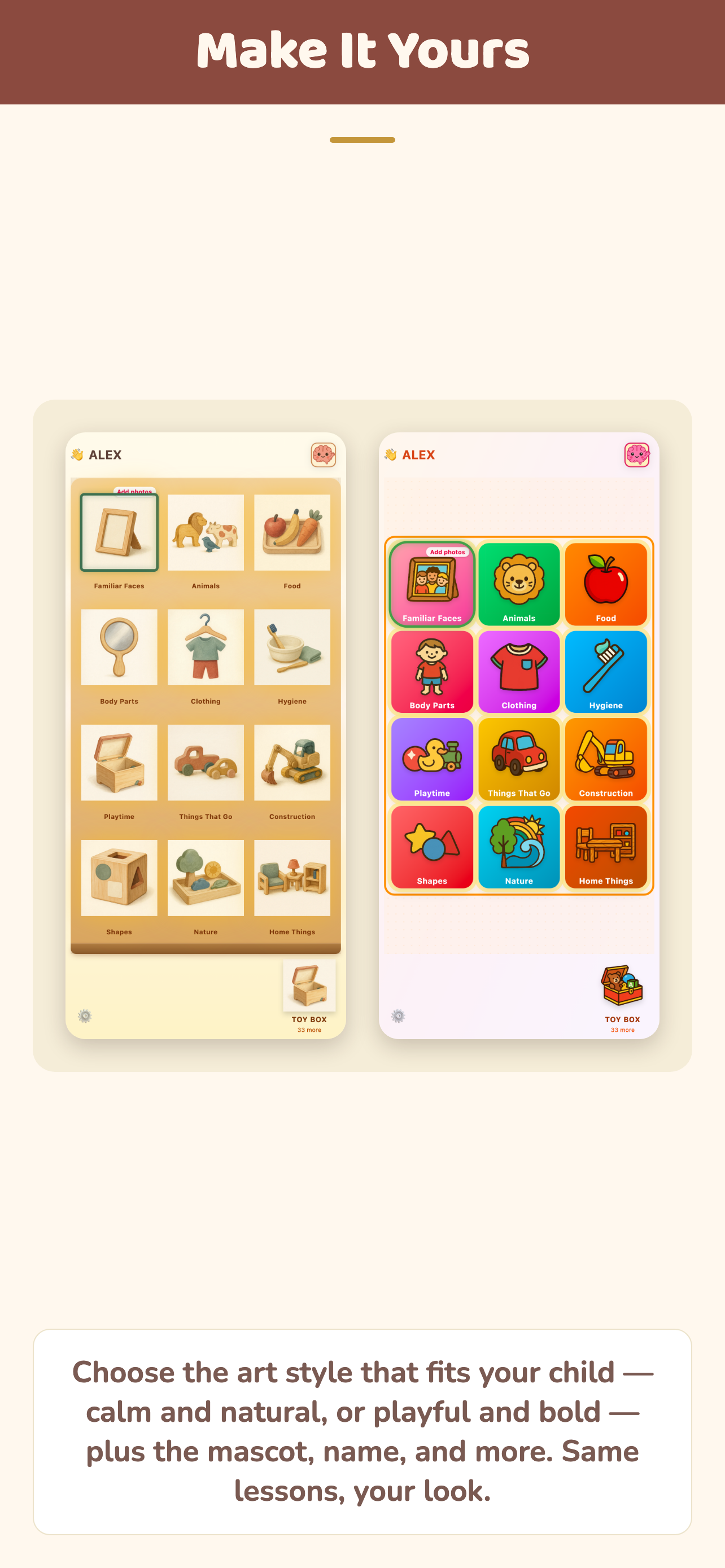
Bold tiles with vivid high-contrast colors, or Natural Wood with warm Montessori-inspired tones. Switch anytime.
English + Spanish
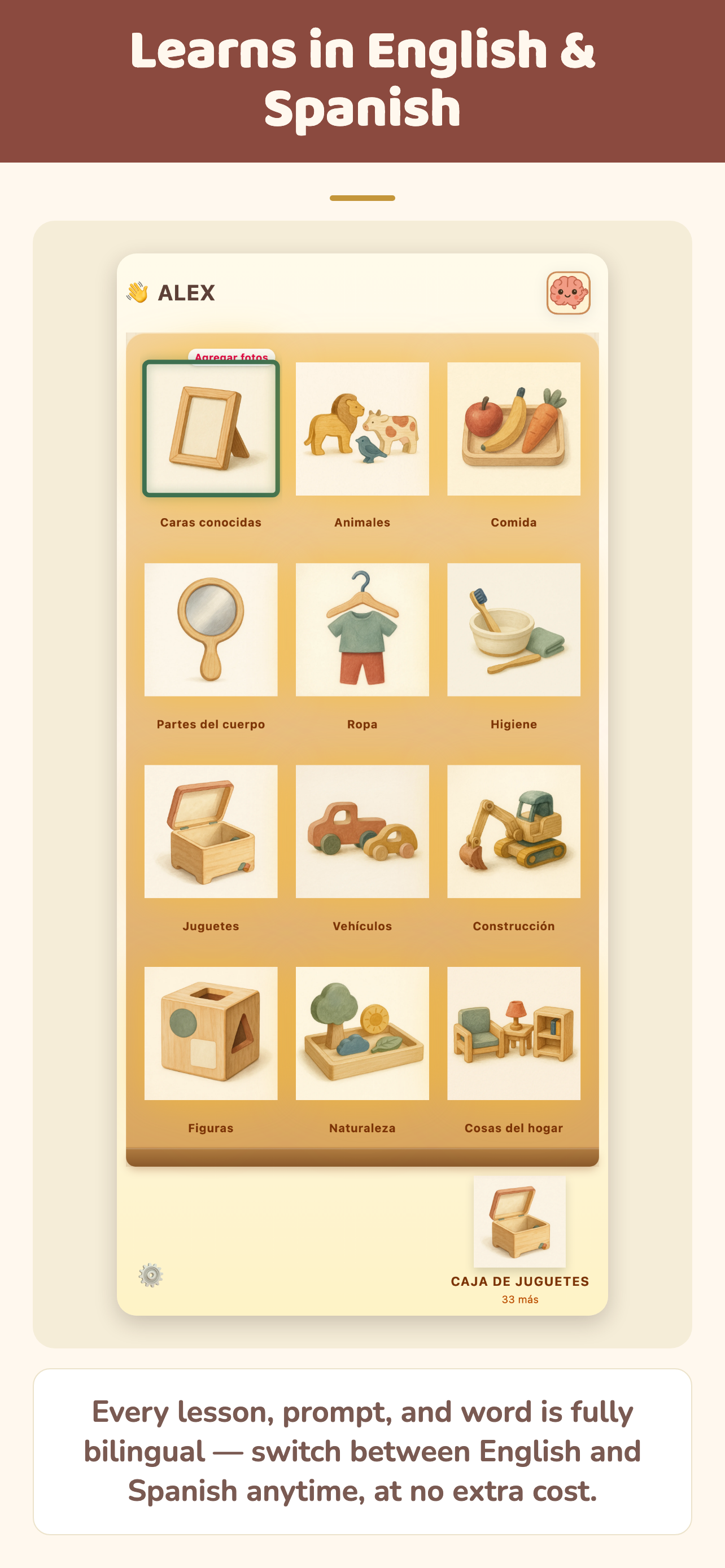
Over 15,000 professional voice clips total, recorded separately for English and Spanish — not translated. Bilingual children get completely independent progress tracking per language. Switch with a few taps.
Multiple child profiles
Each child gets their own profile, their own progress, and their own lesson path. Switch between children with one tap — everything is kept completely separate.
Built for every family
Our lesson images reflect the real, diverse world. And you decide what fits yours — hide any item that doesn't match your family's values, dietary choices, or cultural context. The defaults are inclusive; the controls are yours.
140+ lessons — you're in control
Covers language, reading, math, and the everyday thinking skills — categories, routines, sequences — that support all three. Full control over difficulty and pacing: hide any lesson, skip any prerequisite, or adjust it yourself.
Calm progress tracking
No scores, no rankings, no percentiles. Just a clear, readable picture of what your child is playing and how they are progressing.
The goal isn't to teach children forever. It's to help them become learners who can keep teaching themselves.
The ideas behind the app.
Published on Substack. Free to read.
Minds™
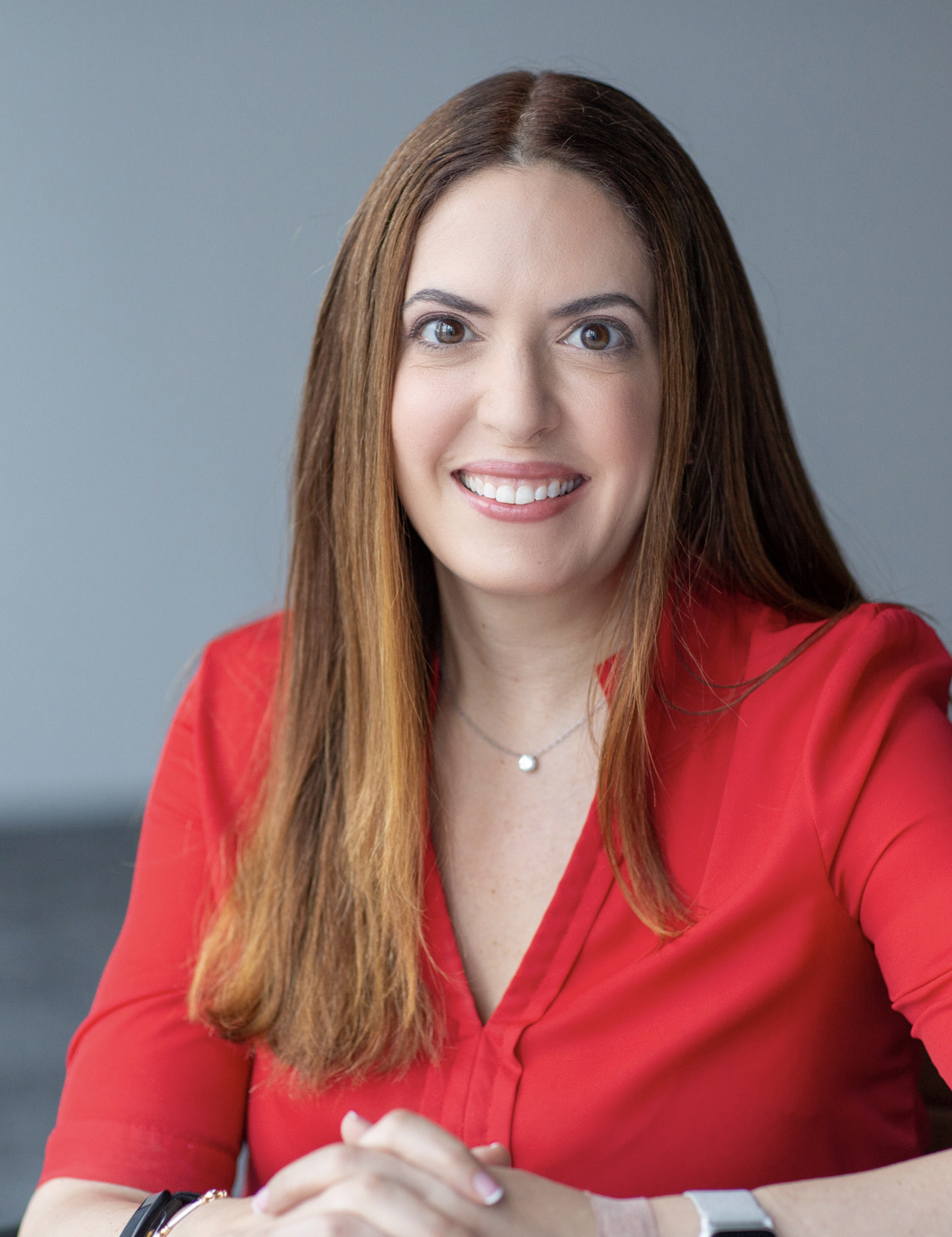
About the founder
I studied psychology and behavioral economics at Harvard, then spent my career building large-scale data and analytics systems. Becoming a mother brought me back to the question that first pulled me toward psychology: how do people learn and make decisions? That question became Training Minds. I'm currently writing a book about what I've learned.